Latest posts from Codename One.
Blog
Insights, release updates, tutorials, and engineering notes from the Codename One team.

Compact Strings Cut Character Storage in Half
PR #5421 adds compact strings to ParparVM. Strings that fit in Latin-1 now use a byte[]; strings that need wider code units continue to use char[]. ParparVM previously stored every Java String in a char[]. Class names, JSON keys, URLs, numbers, log messages, and much Western European text therefore used two bytes per code unit when one byte was enough. The implementation follows the basic approach in JEP 254 for modern HotSpot. ParparVM also had to preserve fused allocation without adding another pointer to every string. ...

A Lightweight Rich Text Component Without a Web View
PR #5421 adds RichTextComponent, a read-only component for formatted application text. It supports headings, inline styles, lists, links, and images without embedding a web view. A SpanLabel applies one style to wrapped text. A BrowserComponent renders a complete web page. RichTextComponent covers formatted document content between those two cases and participates in ordinary Codename One layout. Rich text inside a scrollable container A common screen mixes formatted text with buttons, images, forms, and other Codename One components inside one scrollable container. A BrowserComponent is a poor fit for that layout because it owns a rectangular native surface and its own page viewport. The browser’s document height does not naturally become the height of a child inside the parent Codename One layout. ...
Pure Codename One Text Editing Without Native Overlays
PR #5386 adds a pure Codename One text-editing path. EditField, RichTextArea, and CodeEditor can now keep their document, selection, and painting inside the lightweight UI while each port supplies keyboard and input-method events. Text input must handle virtual keyboards, hardware keys, autocorrect, dictation, marked text from an input method editor, bidirectional text, selection, clipboard formats, and accessibility geometry. Codename One traditionally delegates that work to a native platform field placed over the lightweight component during editing. The overlay remains the default for TextField and TextArea. It can create a small visual jump, and it cannot participate in lightweight painting for syntax highlights, rich runs, masks, inline images, or a custom selection model. ...

Bluetooth Support Across Every Codename One Target
PR #5399 moves Bluetooth into the Codename One core and adds implementations for every target, including JavaScript. The API covers BLE central and peripheral roles, GATT, L2CAP, classic RFCOMM, simulator fixtures, and native desktop radios. The old Cordova-derived cn1lib handled useful BLE cases on Android and iOS. The new implementation was written for Codename One and exposes the wider protocol surface through capability queries. ...
Calendar API: Local Calendars, Cloud Sync, and Conflict Handling
PR #5413 adds com.codename1.calendar, a cross-platform API for local calendars and cloud providers. It covers events, tasks, recurrence, incremental sync, offline changes, and conflict handling. A request to “add this event to the calendar” often grows into editing, recurrence, provider synchronization, and conflict resolution. The new API handles those requirements through one data model instead of a platform-specific intent. Events, recurrence, and tasks An event can be timed or all-day. It can recur, invite attendees, carry alarms, link a conference, and belong to a provider with its own identifier and version. ...

The Codename One JavaScript Port Is Now Free and Open Source
The Codename One JavaScript port is now open source and available on every plan, including Free. You can also build the JavaScript target locally without a Codename One account. PR #5423 makes our ParparVM-based port the default and moves its source under the same GPLv2 with Classpath Exception license as the rest of Codename One. TeaVM remains available as a fallback. ...

Port Support You Can Trace Back to a Green Test
“Supported on iOS, Android, desktop, and web” sounds useful until you need one method on one target. Does WebSocket work on watchOS? Which Linux architectures do we build? Was the JavaScript media test green this week, or did somebody update a table six months ago and forget it? PR #5389 turns those questions into the Codename One Port Status page. It maps 49 user-facing feature groups across 10 portability targets to current conformance results, environment data, skip reasons, and the date of the run. ...
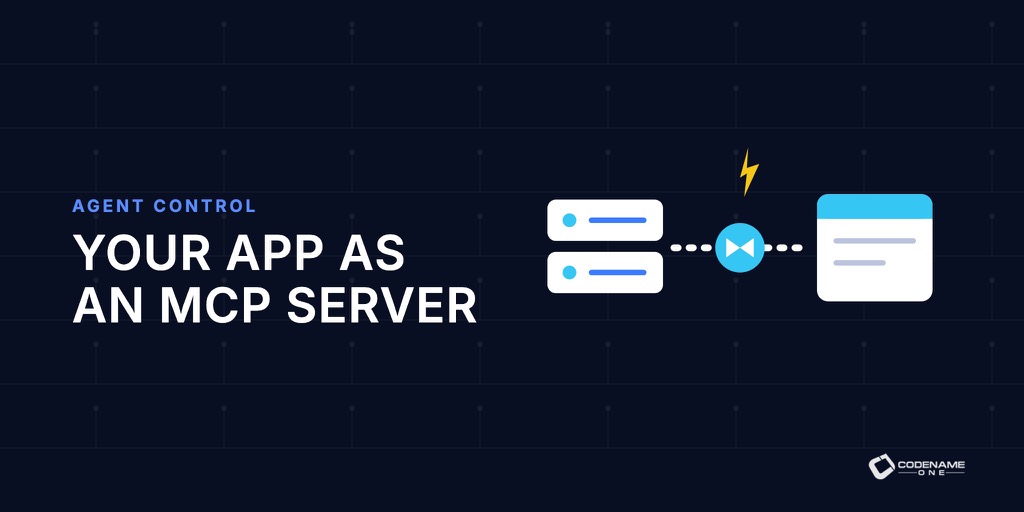
Your Codename One App Can Be an MCP Server
Yesterday’s accessibility work created an immutable tree that describes what is on screen, what each item means, and which actions it supports. VoiceOver and TalkBack consume that tree for people. PR #5377 lets an agent consume it too. The JavaSE port can expose a running simulator or Codename One desktop tool as a local Model Context Protocol server. Codex, Claude Code, Claude Desktop, opencode, or another MCP host can inspect the current form, find a field by label, enter text, activate a button, and call tools published by the application. ...

Accessibility Semantics: The UI Tree You Cannot See
Accessibility has become personal for me. I am getting older, and large type is no longer an abstract preference somebody else needs. It is how I read a phone comfortably. I worked with accessibility experts at Sun Microsystems and learned how deep the problem goes. A label is the easy part. Real accessibility needs roles, values, ranges, actions, traversal order, live announcements, collections, focus, platform conventions, and a way to test all of it. That complexity is why full Codename One accessibility support sat dormant for a decade. ...

Widgets, Live Activities, and Dynamic Island From One Java API
Widget support was one of the earliest Codename One requests. We dismissed it for years because a widget must render while the application UI is not running. A normal Codename One Component needs the application renderer, event dispatch thread, and live object graph. A home-screen widget gets none of those. The missing piece had been under our nose for a decade. Steve added background processes so an app could refresh data without showing its UI. That solves the update side. The rendering side becomes possible once the widget is data rather than a live component. ...

Codename One Settings Is Now a Standalone Tool
Codename One Settings used to be a screen inside the old GUI Builder jar. It edited project properties, managed accounts, opened signing workflows, monitored builds, installed extensions, and accumulated every job that did not have a better home. PR #5359 replaces it with a standalone Codename One desktop application. It does fewer things, which is the point. One command, one project Run the new tool from a Codename One Maven project: ...

Own Your Pixels: Native Fidelity on Your Schedule
An iOS or Android update can change a screen you shipped without you changing a line of code. If your app builds its UI from UIKit, SwiftUI, Compose, or Material widgets, Apple or Google owns those widget implementations. Codename One does something different. It statically links our lightweight component implementation into your native app. The UI you test is the UI your users keep after the next OS update. An update can still break a platform API or permission contract, but it cannot swap our button implementation for a new one. ...